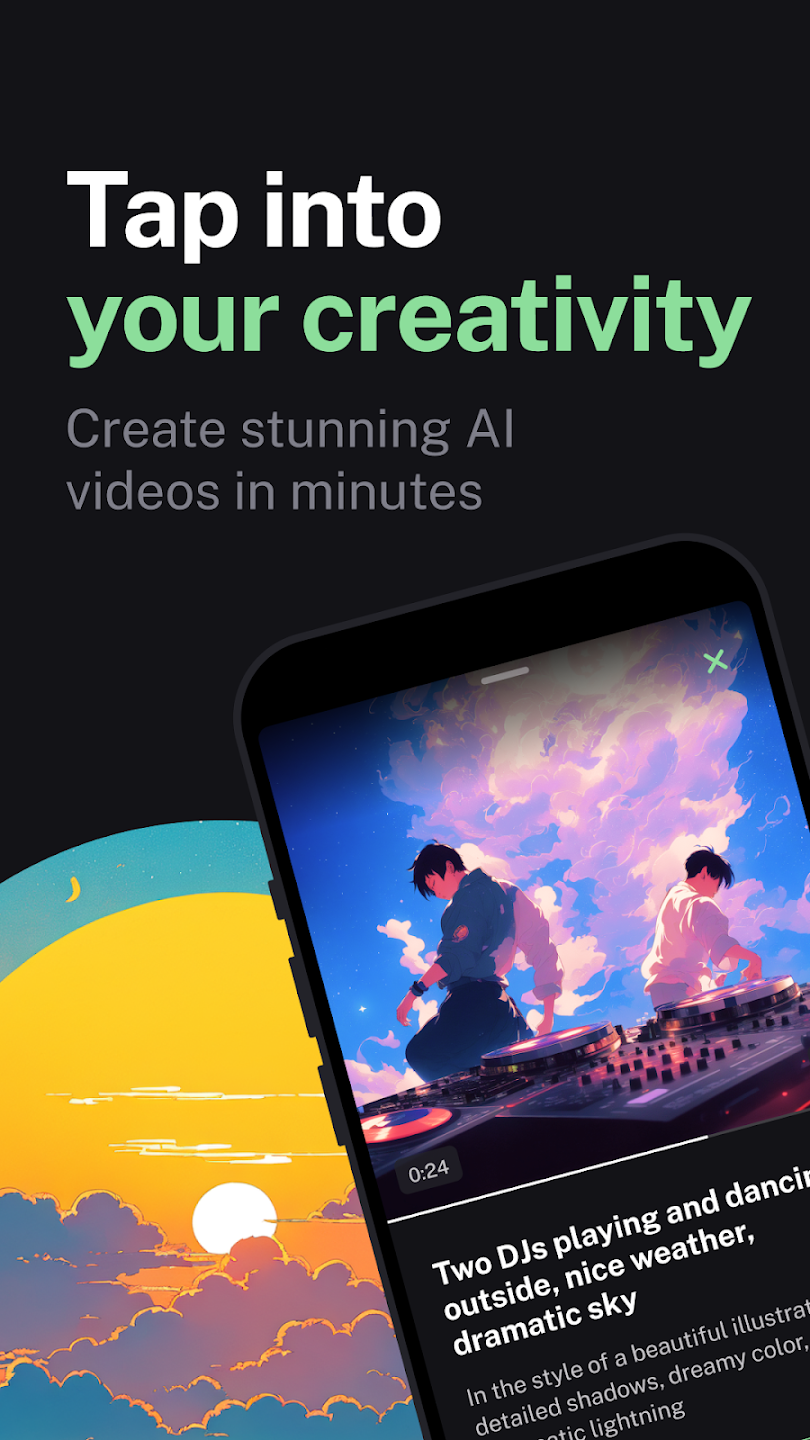
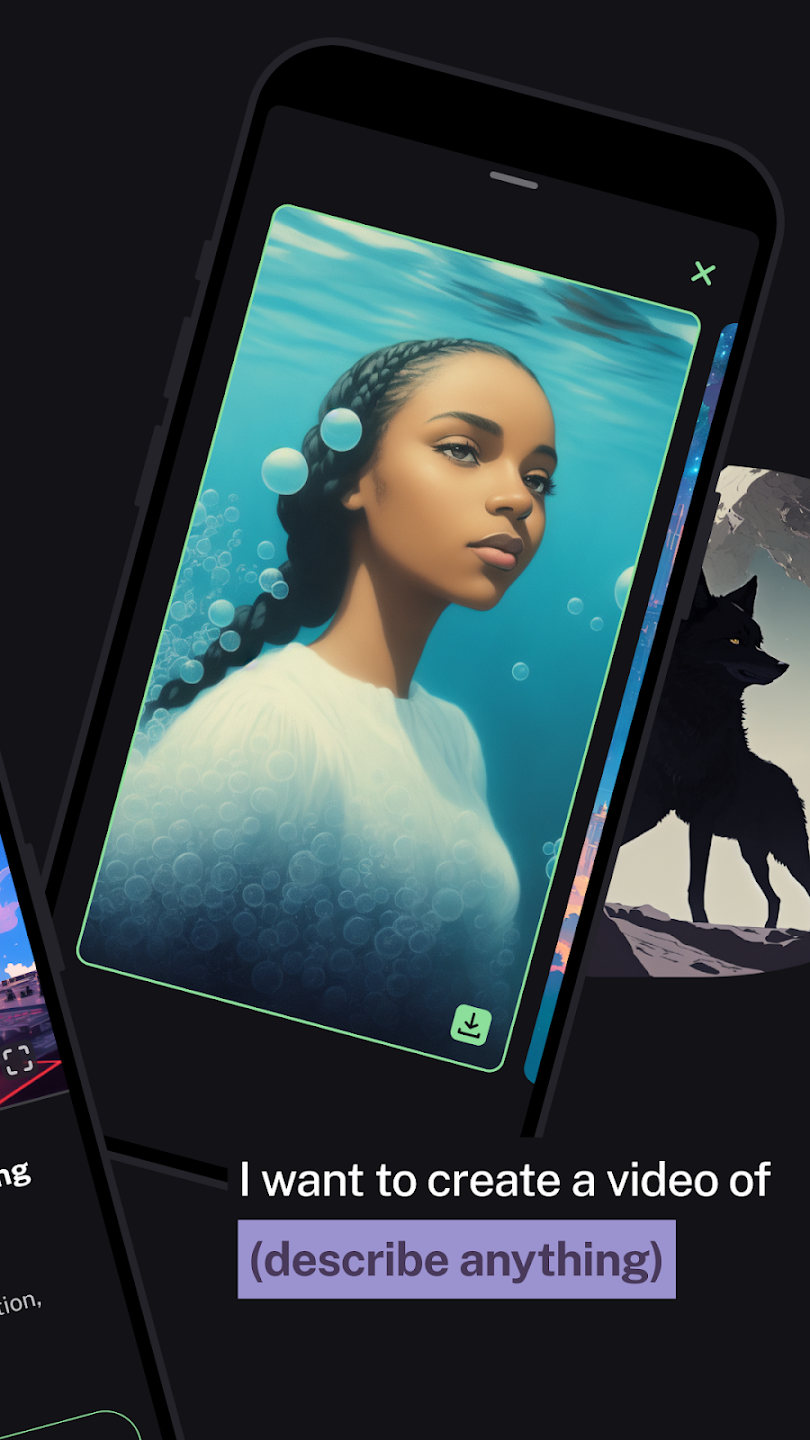
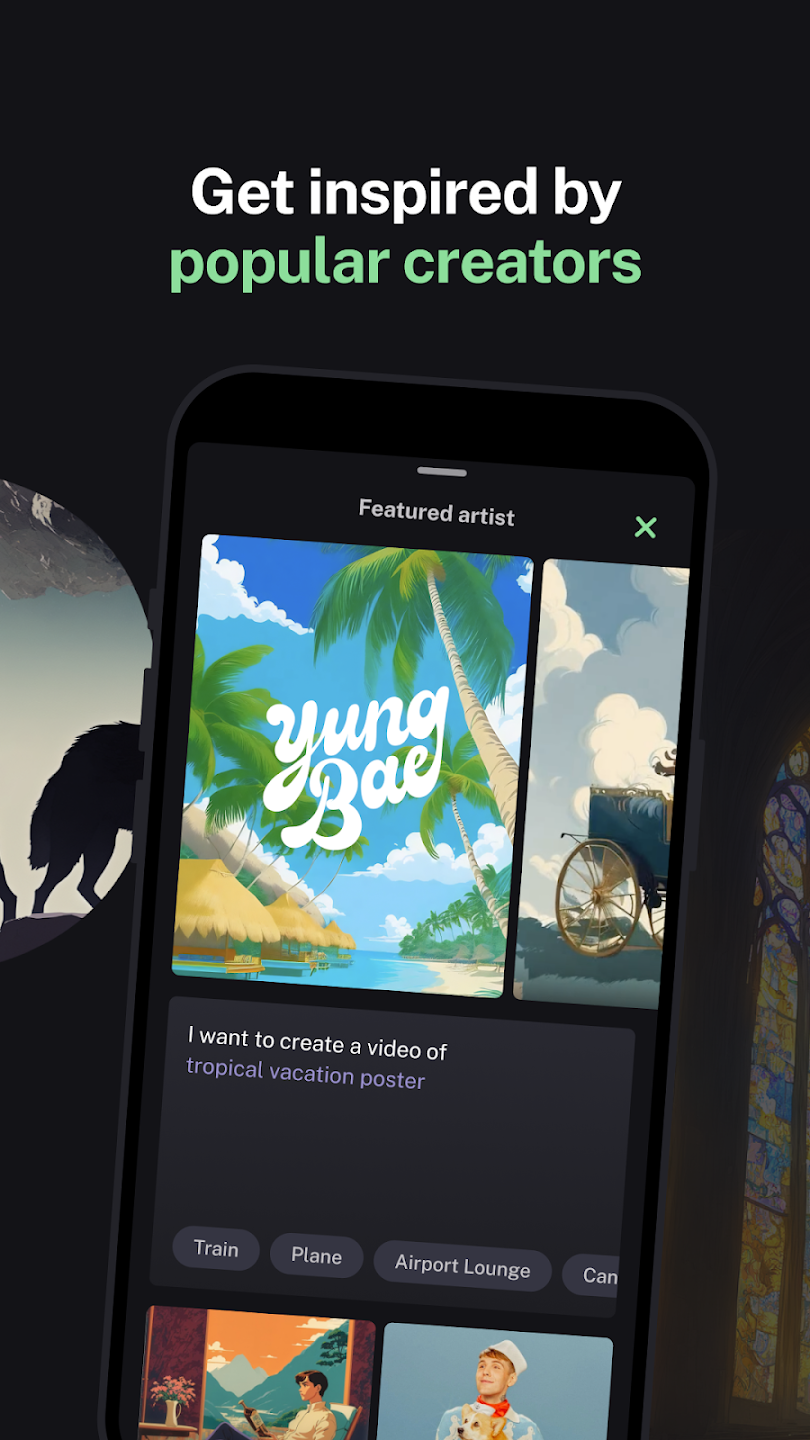
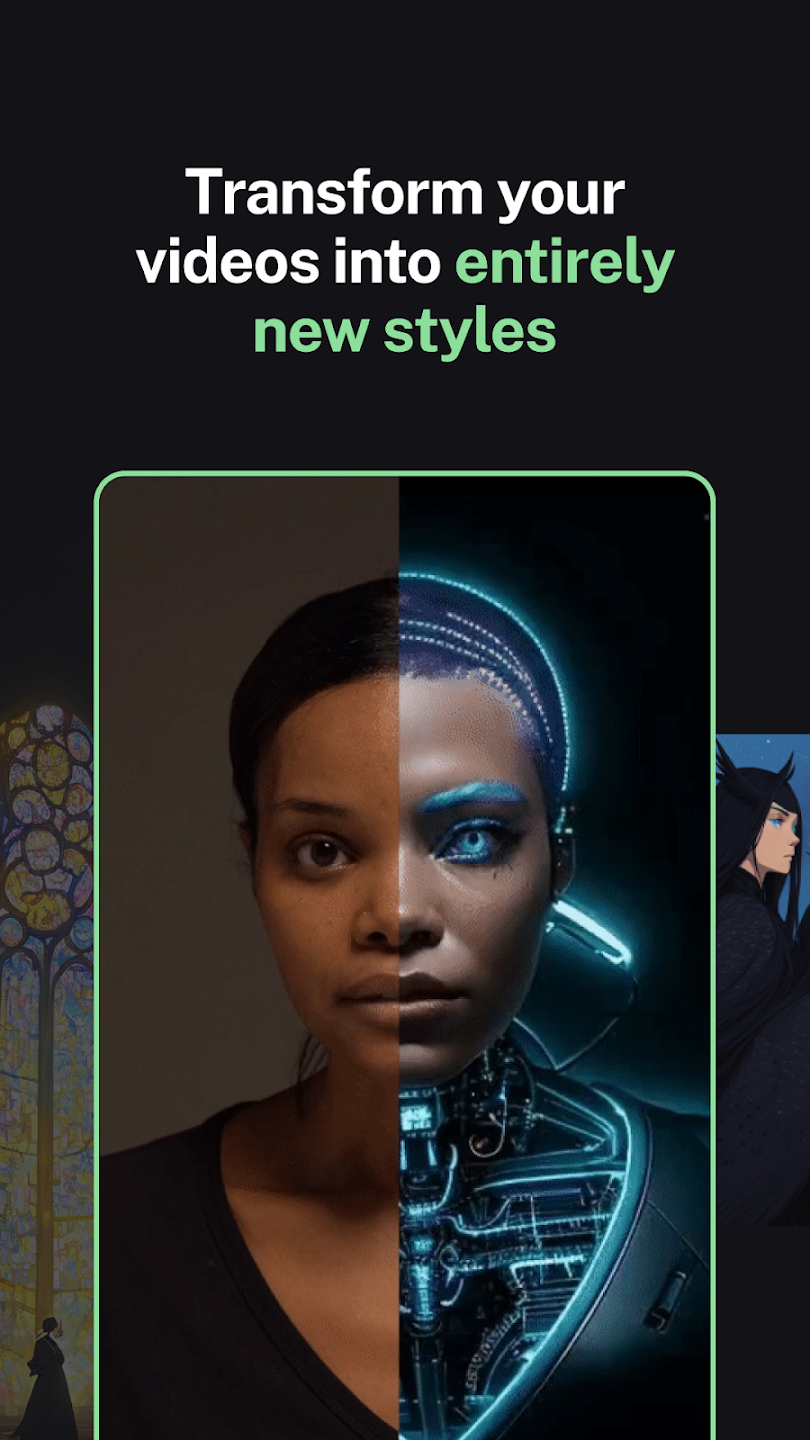
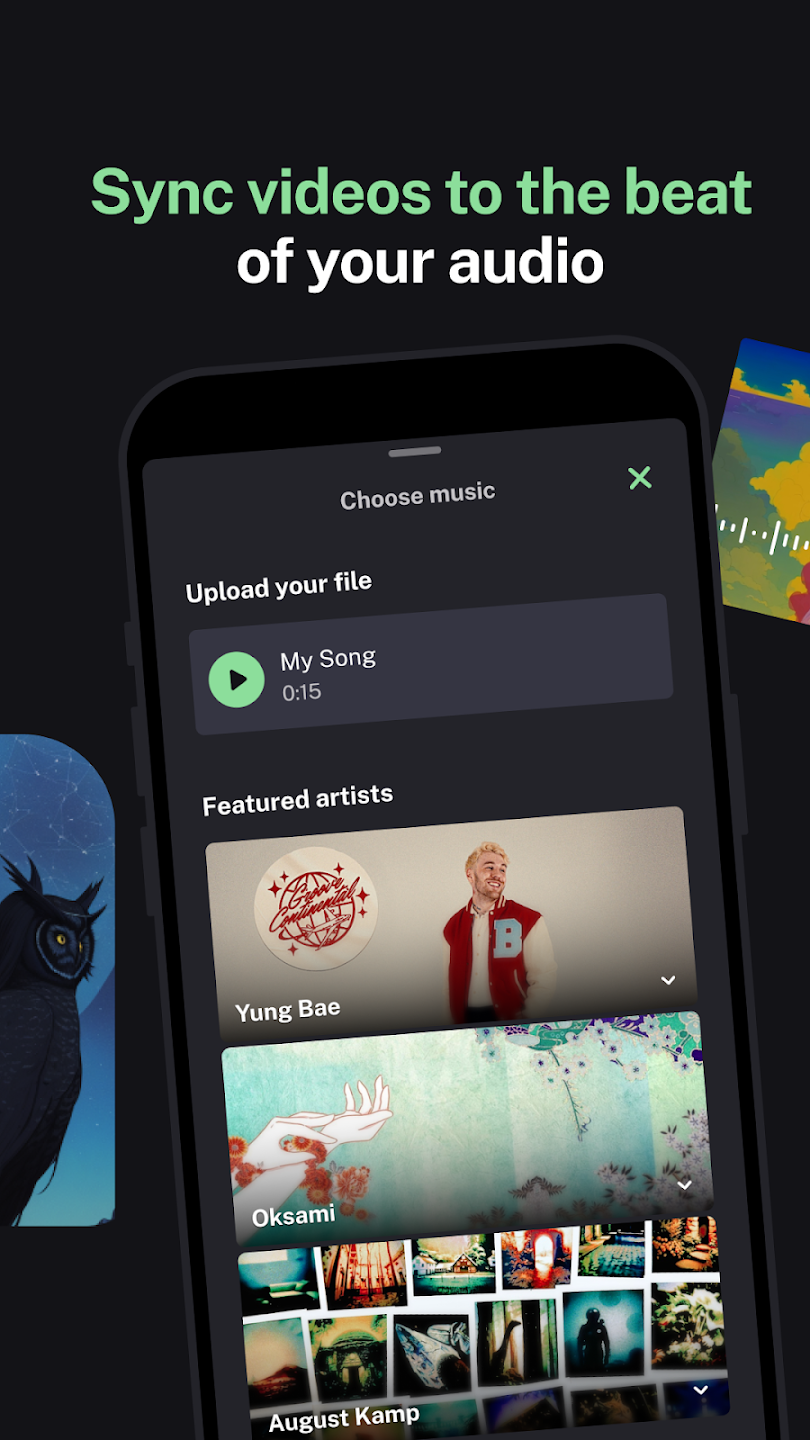
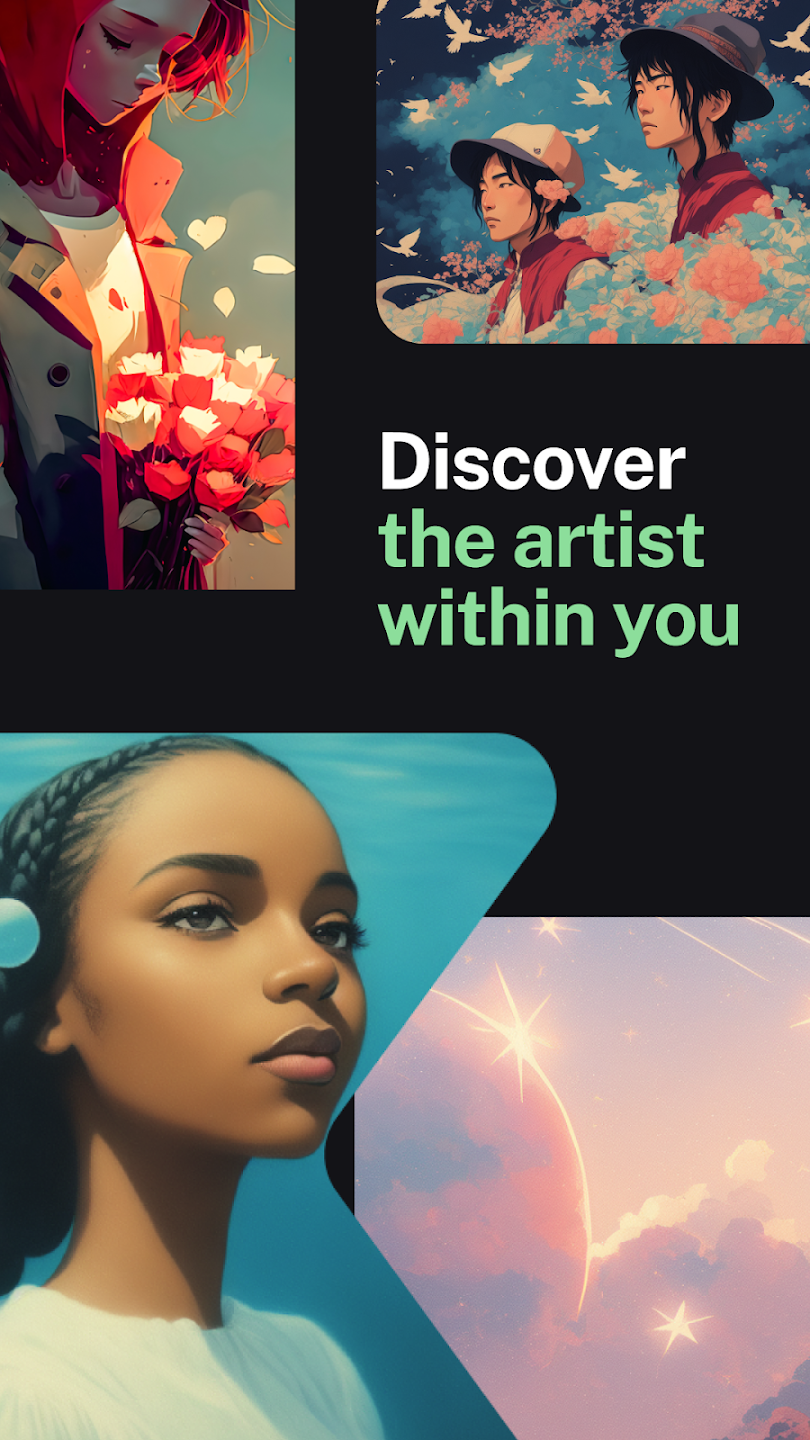
If you’re a musician searching for music-reactive visuals, a DJ looking for live set projection content, or a TikToker who wants to stand out with AI animation — Kaiber AI may be exactly what you’ve been hunting for. Kaiber is an AI video generator built specifically for musicians, DJs, and visual artists who need music-reactive visuals — a use case no competitor including Runway ML or Pika Labs addresses natively. Its core workspace, Superstudio, is an infinite canvas that bundles audio reactivity, multi-model video generation, and custom model training into a single subscription; a single Kaiber Creator subscription bundles Kling 3.0, Luma Ray 2, Google Veo 3.1, and Runway Gen-4.5 under one $29/month plan — a value proposition that would cost over $100/month if purchased individually. Unlike Runway ML, which targets cinematic realism, or Pika Labs, which chases accessibility, Kaiber has carved a specific niche: generative art for artists. Used by artists like Grimes and creators worldwide, it’s earned a loyal following — alongside some legitimate criticisms about credits and pricing transparency. This complete 2026 review — part of our broader coverage of AI tools on Appketra — covers everything: what Kaiber is, who it’s for, how to use it step by step, how the credits actually work, and an honest verdict on whether it’s worth your money.
What Is Kaiber AI?
Kaiber AI is an AI-powered creative platform that lets users generate music-reactive videos, animated visuals, and stylised content from text prompts, images, or uploaded audio files. Its core workspace, Superstudio, is an infinite, node-based canvas that aggregates leading AI video models — including Kling, Luma Dream Machine, Google Veo, and Runway — under one subscription, without requiring the user to switch between platforms.
Founded as a generative media company, Kaiber positions itself at the intersection of AI and artistic expression. Where most AI video tools focus on a single model or a linear timeline workflow, Superstudio uses a node-based infinite canvas — think digital whiteboard — where every image, video clip, and audio output is a node you can connect, remix, and iterate freely. The platform comprises three interconnected products:
- Canvas — the infinite generation workspace where credits are consumed
- Cuts — an auto-editor that builds beat-synced videos from your media
- Editor — a basic timeline NLE for arranging and trimming clips
Kaiber’s key entity relationships: Kaiber AI is an AI video generator built for artists and musicians; Kaiber has Superstudio as its core infinite canvas workspace; Kaiber integrates Kling, Luma Dream Machine, Google Veo, Runway Gen-4.5, Mochi, MiniMax, and Wan as selectable generation models; Kaiber connects to Topaz Labs for 4K upscaling, Stability AI for audio generation, and Audioshake for stem separation — all without leaving the platform. Unlike general-purpose tools like Runway ML or Pika Labs, Kaiber integrates Topaz Labs’ AI upscaling technology directly into its Superstudio workspace, allowing users to upscale 1080p generations to 4K resolution without switching tools.
Who Is Kaiber AI For? (And Who Should Skip It)
Kaiber is purpose-built for a specific kind of creator. Before spending any credits, make sure you’re in the right audience.
Use Kaiber if you are:
- A musician or recording artist — autoreactivity syncs AI-generated visuals to your track automatically; perfect for Spotify Canvas, YouTube Music visualizers, and Apple Music artwork animations
- A DJ or live performer — generate loop able, beat-reactive visuals compatible with Resolume Arena or Serato Video for club projection and festival sets
- A tiktok or Instagram Reels creator — Super studio natively supports 9:16 vertical aspect ratio with 60fps output for EDM-heavy content
- A visual artist or illustrator — animate static artwork, train a custom LoRA on your own style, and generate visual variations without re-prompting constantly
- A social content creator in EDM or hip-hop — strong BPM detection makes bass drops and beat-heavy music visually precise
Skip Kaiber and use something else if you need:
- Photorealistic talking heads or spokesperson video → use HeyGen or Synthesia
- Corporate training or explainer video → Synthesia is built for structured, consistent output
- Cinematic realism and film-quality video → Runway ML’s Gen-3 model or Luma Dream Machine standalone are better fits
- Tight, predictable budgets → Pika Labs at $8/month or Kling AI at $6.99/month offer cheaper, more predictable per-video cost at entry level
- Classical or ambient music visuals — Kaiber’s beat detection is optimised for strong transients; subtle acoustic music produces less dramatic sync
Kaiber AI Key Features (Superstudio Deep Dive)
1. Audioreactivity — Kaiber’s Signature Feature
Audioreactivity is Kaiber’s process of analysing an uploaded MP3 or WAV audio file — measuring its frequency spectrum, BPM, and transient peaks — then generating AI visuals that pulse, cut, and shift in time with those audio events. The result is a music visualizer that goes far beyond basic audio waveform displays.
No other mainstream AI video tool does music-to-video synchronisation this well. Kaiber’s audioreactivity engine analyzes an uploaded audio file’s frequency spectrum and BPM, then maps transient peaks to visual parameters — producing beat-synced animations that no competitor, including Runway ML or Pika Labs, offers natively. You upload an audio file, choose a sync style (high energy, cinematic, or time skip), write a text prompt describing the visual aesthetic, and the audioreactivity engine maps the frequency data to visual events. EDM and hip-hop genres — with strong, defined BPM and bass drops — produce the most dramatic results. Acoustic or classical music with subtle transients is workable but less visually punchy. For AI music visualization tools, Kaiber leads the field in 2026.
2. Superstudio: Infinite Canvas, Node-Based Workflow
Superstudio’s canvas is genuinely different from competitor tools. Rather than a linear timeline (as in Adobe Premiere Pro, Final Cut Pro, or DaVinci Resolve), Superstudio treats every generation as a node. You can connect a text prompt node → image generation node → video generation node → audio sync node in one continuous flow, all visible on an infinite digital whiteboard. This non-linear, node-based architecture encourages experimentation and makes iterating on style or motion far more fluid than the competition.
3. Multi-Model Video Generation
A single Kaiber Creator subscription unlocks access to all of the following models inside one canvas:
- Kling 3.0 — best for movement realism and strong prompt adherence
- Luma Ray 2 — cinematic shots with smooth camera motion
- Google Veo 3.1 — high-quality, story-driven clips with richer detail
- Runway Gen-4.5 — stylised animations with creative motion effects
- MiniMax Hailuo — professional-quality image-to-video conversion
- Wan 2.5 — experimental visual styles
- Mochi — smooth fluid animation
- Kaiber Flipbook — frame-by-frame, hand-drawn style animation
Subscribing to Kling, Veo, Luma, and Runway individually would cost well over $100/month combined. Kaiber bundles them at $29/month on the Creator plan — a significant value argument for multi-model creators.
4. Custom Model Training (LoRA)
Creator and Pro subscribers can train a custom LoRA model on their own uploaded artwork, visual style, or character — available on Creator plan and above. Kaiber’s custom LoRA model training allows visual artists to upload their own artwork, teaching the AI their unique style so every output maintains brand consistency without constant re-prompting — a feature that directly differentiates Kaiber from competitors like Pika Labs and Sora, which offer no equivalent custom training system at the Creator tier.
5. 4K Upscaling via Topaz Labs
Topaz Labs upscaling is integrated directly into Superstudio. Kaiber exports video in MP4 (H.264) format at resolutions up to 1080p standard, with 4K upscaling available through the integrated Topaz Labs pipeline on Creator and Pro plans — a combination that delivers broadcast-quality output without requiring a separate Topaz subscription. Initial generations render at 1080p for credit efficiency; you can then upscale to 4K for final delivery. Note: upscaling consumes additional credits and adds processing time.
6. Audio Module: Stability AI + Audioshake
Beyond audioreactivity, Kaiber integrates Stability AI for audio generation and Audioshake for stem separation. Stem separation splits a mixed track into isolated elements — vocals, drums, bass, melody — so you can sync visuals to a specific instrument rather than the full mix.
How to Use Kaiber AI: Step-by-Step Tutorial
This tutorial covers creating an audioreactive music video clip — Kaiber’s most popular and distinctive use case.
- Sign up at kaiber.ai — Start the $5 five-day trial to access all Creator features. You’ll get 500 credits, enough to test the full workflow.
- Open Superstudio Canvas — From the dashboard, click “New Canvas.” The infinite canvas workspace opens. Use the toolbar on the left to access generation modes.
- Upload your audio file (MP3 or WAV) — Click “Beat Sync” or “Audioreactivity” in the canvas menu. Upload your track. Kaiber’s engine analyses the frequency spectrum and BPM, mapping transient events that will trigger visual changes. For EDM tracks with strong bass drops, this produces dramatic, beat-precise results.
- Choose your generation model — Select from Kling 3.0 (realism), Luma Ray 2 (cinematic), Google Veo 3.1 (detailed scenes), Runway Gen-4.5 (stylised), or Flipbook (artistic frame-by-frame). For music content, Flipbook and Kling tend to produce the most striking audioreactive outputs.
- Write your text prompt — Prompt engineering matters. Include: a subject + motion descriptor + style + lighting. Example: “abstract neon fluid particles, glowing waveform energy, futuristic dark atmosphere, pulsing bass drop, cinematic lighting, high detail”. Add motion words: pulsing, swirling, erupting, cascading.
- Set aspect ratio and energy style — For Spotify Canvas or TikTok: 9:16 vertical. For YouTube: 16:9. For Instagram square posts: 1:1. Choose sync energy: “high energy” for EDM, “cinematic” for slower tracks, “time skip” for rapid-cut montage feel.
- Preview at low resolution first — Before committing full credits to a high-resolution render, generate a low-res preview. This is essential for credit conservation — a single unsatisfactory 4-second clip at full resolution can cost 40–60 credits.
- Refine and regenerate — Adjust the prompt, switch the model, or change the energy style based on the preview. Most experienced Kaiber creators budget 3–5 attempts before landing a satisfactory result.
- Upscale and export — Once satisfied, upscale to 1080p standard or 4K via Topaz Labs (requires additional credits). Export as MP4 (H.264) for social platforms or MOV for editing in DaVinci Resolve, Adobe Premiere Pro, or Final Cut Pro.
Kaiber AI Pricing & Credits: Complete 2026 Breakdown
Every action in Kaiber Superstudio — image generation, video generation, upscaling, audio stem separation — deducts credits from your monthly balance. Credit costs vary by model, resolution, and video duration. Subscription credits reset each billing cycle; purchased credit pack credits never expire.
| Plan | Monthly Price | Annual Price | Credits/Month | Est. Videos/Month | Key Limits |
|---|---|---|---|---|---|
| Flex (Free) | $0 | $0 | ~50 | ~1 | Standard models only; no commercial use |
| 5-Day Trial | $5 (one-time) | — | 500 | ~8–12 | Full Creator access; auto-converts |
| Starter | $5 (one-time) | $8/mo ($96/yr) | 500 | ~8–12 | Standard models; no Cuts; no commercial use |
| Creator Best Value | $29 | $23/mo ($276/yr) | 1,500 | ~25–40 | All premium models; Cuts; commercial use; 5 canvases |
| Pro | $99 | $79/mo ($948/yr) | 5,000 | ~80–130 | Unlimited canvases; priority queue; pack discounts |
| Visionary | Custom quote | Custom | Unlimited | Unlimited | White-glove support; agency/studio use |
Honest credit reality: A single 4-second audioreactive video at full resolution typically costs 40–60 credits. On the Creator plan’s 1,500 credits, you realistically get 25–40 finished short clips per month — assuming you nail the prompt in 3–4 attempts. If you experiment heavily, credits drain faster than the maths suggests.
Competitor comparison: Runway ML Standard is $15/month with roughly 625 credits; Pika’s Standard plan is around $8/month. However, Kaiber’s Creator plan bundles Runway as one of its models alongside Kling, Veo, and Luma. Subscribing to all four individually would cost over $100/month.
Community reports on Trustpilot and Reddit confirm that the $5 trial auto-converts to a paid subscription if not cancelled — set a reminder before the 5-day window closes.
Kaiber AI for Musicians & DJs
This is Kaiber’s strongest niche and where it genuinely has no direct competitor. Here’s how musicians and DJs use it in practice:
Spotify Canvas Creation
Spotify Canvas creation requires a looping 3–8 second vertical video at 9:16 aspect ratio. Kaiber is one of the most widely used tools for this format. Workflow: set aspect ratio to 9:16, choose a 5–8 second audio loop from your track, run audioreactivity at “cinematic” energy for subtle sync or “high energy” for visible pulse, generate at Kling or Flipbook style, export as MP4. Upload directly to Spotify for Artists.
YouTube & SoundCloud Visualizers
Standard 16:9 widescreen visualizers for YouTube Music and SoundCloud differ from the basic audio waveform tools built into most DAWs. Kaiber generates fully animated, style-driven visuals that react to the actual frequency content of your track. EDM bass drops produce the most dramatic visual shifts; acoustic and jazz music produces slower, more ambient motion.
Live DJ Sets: Resolume Arena & Serato Video
DJs using Resolume Arena for VJ setups or Serato Video for club projection need loop-friendly, beat-synced MP4 clips. Kaiber outputs seamless loops when the source audio is looped before generation. Export at 60fps for EDM sets where motion clarity matters at large screen sizes, and at 1:1 square ratio for screens that display in a grid layout.
TikTok & Instagram Reels
Generate at 9:16, 60fps, and use “high energy” sync for tracks with BPM above 120. Kaiber-generated content outperforms standard AI animation in the short-form music space because the beat-matching gives it a natural, non-random feel that audiences respond to. Export and import directly into CapCut for caption overlay before posting.
Kaiber AI Mobile App Review
Kaiber AI is available on both iOS and Android. The Kaiber mobile app for iOS and Android syncs with the desktop Superstudio via cloud, letting musicians generate quick Spotify Canvas variations on the road and refine them later on the infinite canvas — a workflow no competing AI video app currently replicates at this level of integration. The mobile version is lighter than the full desktop Superstudio experience — you won’t get the infinite canvas node-based workflow on your phone — but you can generate quick single clips, review your Canvas projects, manage your credit balance, and run standard generations on the go. Feature parity is partial: premium model selection, audioreactivity, and multi-canvas workflows are best handled on desktop. Cross-device sync means anything generated on mobile appears in your Superstudio canvas on desktop.
Export Settings & Technical Specs
| Spec | Options | Notes |
|---|---|---|
| Export Formats | MP4 (H.264), MOV | MP4 recommended for social platforms; MOV for editing in Premiere/Final Cut |
| Resolution | 1080p standard; 4K via Topaz Labs | 4K requires additional credits and processing time |
| Frame Rates | 24fps, 30fps, 60fps | 24fps for cinematic feel; 30fps for standard social; 60fps for EDM/high-motion content |
| Aspect Ratios | 16:9, 9:16, 1:1, 4:5, 21:9 | 9:16 for TikTok/Reels/Spotify Canvas; 16:9 for YouTube; 21:9 for cinematic widescreen |
| Colour Space | sRGB | Standard for web and social platform delivery |
| Upscaling | Topaz Labs (integrated) | Industry-standard AI upscaling; costs additional credits |
Kaiber AI vs Competitors: Comparison Table
| Feature | Kaiber AI | Runway ML | Pika Labs | Kling AI | Sora |
|---|---|---|---|---|---|
| Audioreactivity | Native, best-in-class | None | None | None | None |
| Multi-Model Access | Native, best Kling, Veo, Luma, Runway, Mochi, MiniMax, Wan, Flipbook | Runway only | Pika models only | Kling models only | Sora only |
| Photorealistic Output | Stylised, not photorealistic | Strong | Moderate | Strong | Very strong |
| Entry Price | $10/mo (Starter), $5 trial | $15/mo | $8/mo | $6.99/mo | $20/mo (ChatGPT Plus) |
| Infinite Canvas Workflow | Node-based Superstudio | Linear only | Linear only | Linear only | Linear only |
| Custom Model Training | LoRA on Creator+ | Available | Limited | Limited | No |
| Mobile App | iOS + Android | iOS + Android | iOS + Android | Limited | Via ChatGPT app |
| 4K Export | Via Topaz Labs | Native | Limited | Native | Native |
| Free Tier | Flex (limited, ~50 credits) | Very limited | More generous | Free tier available | Limited via ChatGPT Free |
| Best For | Musicians, DJs, visual artists | Cinematic/film creators | Casual creators, budget users | Realistic motion, TikTok | High-fidelity scene generation |
Kaiber AI Tips & Tricks: Get More From Every Credit
Prompt Engineering for Kaiber
- Structure: Subject + motion descriptor + art style + lighting + mood. Example: “luminous jellyfish floating through deep space, pulsing neon tendrils, bioluminescent anime style, soft ambient glow, dreamy motion”
- Motion words that work: pulsing, swirling, rippling, erupting, cascading, dissolving, morphing, surging
- Style anchors: “anime style,” “cyberpunk,” “glitch art,” “abstract fluid,” “vaporwave aesthetic” produce consistent results across models
- Avoid: faces, text, and specific real-world locations — Kaiber handles these poorly and often wastes credits
Credit Conservation
- Always generate a low-resolution preview before committing to full render — saves 60–80% of credits on bad outputs
- Keep audioreactive clips to 4–6 seconds; longer clips multiply credit cost proportionally
- Use Flipbook model for quick concept testing — it’s generally cheaper per generation than premium models like Veo or Kling
- Buy credit packs on Pro plan for a per-credit discount; packs purchased on any plan never expire
Best Audio Genres for Audioreactivity
- EDM & electronic: Strong BPM and defined bass transients produce the most dramatic visual sync
- Hip-hop: Snare hits and 808 bass create sharp visual beats
- DJ sets: Use stem separation via Audioshake to isolate the kick drum, then sync to the isolated stem for cleaner beat detection
- Classical/ambient: Use “cinematic” energy style; results are subtle rather than punchy
Kaiber AI Not Working? Common Errors & How to Fix Them
If your Kaiber AI Superstudio isn’t working as expected, you’re not alone. Community reports on Reddit and Trustpilot document several recurring issues. Here’s how to diagnose and fix the most common problems:
| Problem | Symptom | Root Cause | Fix |
|---|---|---|---|
| "Insufficient credits" mid-generation | Generation stops halfway, progress lost, no output saved | Credit cost exceeded remaining balance during multi-step generation | Always check credit balance BEFORE generating. A 4-second video at full resolution typically costs 40–60 credits. Use low-res preview first to verify output before committing full credits. |
| Canvas won't load / black screen | Superstudio interface shows loading spinner or blank canvas | Browser rendering issue, GPU acceleration conflict, or ad blocker interference | Use Chrome or Edge (not Safari). Disable ad blockers and browser extensions. Clear cache and cookies. Enable hardware acceleration in browser settings. Kaiber's Discord support team confirms this resolves the majority of canvas loading issues. |
| Audioreactivity feels loose or off-beat | Visuals don't match beat drops; sync feels random | Complex polyrhythmic music, low BPM, or full-mix frequency overlap confusing the detection engine | Use Audioshake stem separation (built into Kaiber's Audio Module) to isolate the kick drum or snare. Sync visuals to the isolated stem instead of the full mix. For tracks below 90 BPM, manually set the BPM in the sync settings. |
| Premium models greyed out / unavailable | Kling, Veo, Luma, or Runway options show a lock icon or error | Current plan is Starter ($10/mo) which only includes basic models | Upgrade to the Creator plan ($29/mo) for full access to Kling 3.0, Luma Ray 2, Google Veo 3.1, Runway Gen-4.5, MiniMax Hailuo, and Wan 2.5. |
| Export fails or produces corrupt file | MP4 won't play, file size is 0 bytes, or export hangs at 99% | 4K upscaling timeout on long clips, browser memory limit, or temporary server issue | Re-export at 1080p standard resolution first. If that works, retry 4K Topaz upscaling on a shorter clip (under 6 seconds). For persistent issues, contact Kaiber Discord support — they can re-process failed exports server-side. |
| Trial auto-renewed to paid plan unexpectedly | Credit card charged $29 for Creator Monthly without explicit confirmation | $5 five-day trial auto-converts to Creator Monthly if not cancelled before day 5 | Cancel directly from Account Settings → Plan Management BEFORE the 5-day window closes. Set a phone reminder the moment you sign up. Kaiber support on Trustpilot has confirmed refunds for users who contact them promptly with account details. |
| Mobile app crashes or won't sync | Kaiber iOS/Android app closes unexpectedly or projects don't appear on desktop | Outdated app version, insufficient device storage, or cloud sync delay | Update to the latest version from App Store or Google Play. Ensure at least 2GB free storage. Force-close and reopen the app. Cloud sync can take 2–5 minutes — wait before checking desktop Superstudio. |
| Custom model training fails | Training error" shown or model produces inconsistent results | Insufficient training images (need 15–20 minimum), inconsistent art style in uploads, or unsupported file format | Upload 15–20 images in the SAME art style (not mixed). Use PNG or JPG at 512×512 minimum resolution. Avoid text, watermarks, or borders in training images. Training takes 10–30 minutes — do not interrupt the process. |
Common Problems & Fixes
| Problem | Root Cause | Fix |
|---|---|---|
| Credits drain too fast | High-resolution generation + multiple failed attempts | Always generate low-res preview first; use Flipbook for concept drafts |
| Audioreactivity feels loose / off-beat | Low BPM track or complex polyrhythmic music | Use Audioshake stem separation to isolate kick/snare; sync to isolated stem |
| Output looks too abstract / random | Vague text prompt; wrong model choice | Add specific style anchors ("anime style," "neon cyberpunk"); switch to Kling for more prompt-adherent results |
| Premium models not available | On Starter plan (not Creator) | Upgrade to Creator ($29/mo) for access to Kling, Veo, Luma, Runway, and MiniMax |
| Trial auto-renewed unexpectedly | $5 trial auto-converts to Creator Monthly after 5 days | Cancel before day 5 via Account Settings → Plan. Multiple Trustpilot reviews report this issue; set a reminder the moment you sign up |
| Canvas loads slowly | Browser/GPU rendering large canvas with many nodes | Use Chrome or Edge desktop; clear unused canvas nodes; Kaiber's Discord support team is responsive for technical issues |
Refund Policy & Support: What Trustpilot Users Actually Say
Kaiber’s refund policy is strict and has generated the most negative feedback in user reviews. Key points:
- The $5 trial auto-converts to a Creator Monthly plan after 5 days if not cancelled. This is clearly stated but easy to miss — multiple Trustpilot reviews report unexpected charges.
- Kaiber has stated publicly on Trustpilot that they will locate and refund charges if users provide account details, but some users report difficulty in the process.
- Positive support experiences are also well-documented: multiple Product Hunt reviews specifically praise the Discord support team for hands-on help with prompting, technical issues, and account problems.
- Contact: Trustpilot reviews | Reddit r/kaiberai community | Product Hunt page
Bottom line: Set a calendar reminder when you start the trial. Cancel from Account Settings before day 5 if you’re not ready to commit.
Kaiber AI Pros & Cons
| Pros | Cons |
|---|---|
| Audioreactivity is unique — no mainstream competitor matches it | Credit costs are unpredictable — experimentation eats through the monthly allowance fast |
| Multi-model access — Kling, Veo, Luma, Runway, MiniMax, Wan, Mochi, Flipbook in one canvas | No permanent generous free tier — Flex plan is very limited; trial auto-converts |
| Topaz Labs 4K upscaling integrated natively | Not photorealistic — stylised output only; wrong tool for corporate or documentary video |
| iOS & Android mobile app with cross-device sync | Learning curve on Superstudio — node-based canvas is unfamiliar to most creators |
| Custom LoRA model training for brand/style consistency | Mobile app is limited — full canvas workflow desktop-only |
| Credits never expire on purchased packs | Strict refund policy with documented user frustrations |
| Node-based canvas is genuinely unique vs linear competitors | Classical/ambient music performs poorly in audioreactivity vs EDM |
| Commercial use included on Creator and above | |
| Responsive Discord community with helpful support team |
Final Verdict: Is Kaiber AI Worth It in 2026?
Yes for musicians, DJs, visual artists, and social creators making music-driven or stylised content. Kaiber’s audioreactivity is genuinely unmatched in the AI video space, and a single Creator subscription gives you access to Kling, Veo, Luma, and Runway simultaneously — something that would cost $100+/month across individual subscriptions.No for corporate video, photorealistic content, or tight budgets. If you need talking-head video: use Synthesia or HeyGen. Photorealistic cinematics: Runway ML or Kling AI standalone. Budget-first: Pika at $8/month or Kling at $6.99/month are cheaper entry points for single-model use.
Kaiber AI earns a 7.5/10 overall. The creative ceiling is genuinely high — especially for anyone building a music content workflow around Spotify Canvas, YouTube visualizers, or DJ set visuals. Kaiber is an AI video generator built specifically for musicians, DJs, and visual artists who need music-reactive visuals, and in that niche it has no direct competitor in 2026. The credit system and trial billing practices hold it back from a higher score. Start with the $5 trial, plan your projects before generating, and set a cancellation reminder. Used with discipline, it’s one of the most powerful and distinctive AI video platforms available in 2026.
Frequently Asked Questions
What is Kaiber AI?
Kaiber AI is an AI-powered creative platform centred on Superstudio — an infinite canvas workspace for generating music-reactive videos, AI animations, and stylised visuals. It aggregates leading models including Kling, Luma Dream Machine, Google Veo, and Runway under one subscription. It is particularly popular among musicians, DJs, and visual artists.
How much does Kaiber AI cost?
Kaiber offers a Starter plan at $10/month (500 credits), a Creator plan at $29/month (1,500 credits), and a Pro plan at $99/month (5,000 credits). Annual billing saves roughly 20%. A $5 five-day trial with 500 credits and full Creator access is available for new users. The Flex plan provides limited free access with around 50 credits.
What is Kaiber Superstudio?
Superstudio is Kaiber’s main creative workspace — an infinite, node-based canvas where you generate images, videos, and audio-reactive visuals in a non-linear flow. It is fundamentally different from timeline-based editors like Adobe Premiere Pro or CapCut, treating every generation as a node you can connect, branch, and iterate on freely.
Does Kaiber AI have a free plan?
Kaiber’s Flex plan provides limited free access with approximately 50 credits for basic image and video models. It does not include premium models (Kling, Veo, Luma Ray, Runway) or commercial use rights. New users are also able to access a $5 five-day trial with full Creator-level access and 500 credits.
Is Kaiber AI good for musicians?
Yes — musicians and DJs are Kaiber’s primary audience. Its audioreactivity engine syncs generated visuals to uploaded audio in real time, detecting BPM and frequency to produce beat-matched animations ideal for Spotify Canvas, YouTube visualizers, SoundCloud, Apple Music artwork, and live DJ set projections via Resolume Arena or Serato Video.
Can I use Kaiber AI for Spotify Canvas?
Yes. Kaiber is widely used for Spotify Canvas creation. Set the aspect ratio to 9:16 in Superstudio, keep your audio loop to 5–8 seconds, choose “cinematic” or “high energy” sync style, and export as MP4. The output meets Spotify’s 3–8 second looping vertical video requirement.
How does Kaiber AI compare to Runway ML?
Runway ML excels at photorealistic cinematic video and is better for narrative film and commercial production. Kaiber AI is stronger for music-reactive stylised animation, multi-model access in one canvas, and audioreactivity — a feature Runway lacks entirely. Kaiber’s Creator plan also includes Runway Gen-4.5 as one of its bundled models.
What models does Kaiber AI support?
Kaiber Superstudio bundles Kling 3.0, Luma Ray 2, Google Veo 3.1, Runway Gen-4.5, Wan 2.5, MiniMax Hailuo, Mochi, and Kaiber’s own Flipbook model. Premium models require Creator plan or above.
Does Kaiber AI have a mobile app?
Yes. Kaiber AI is available on both iOS and Android. The mobile version is lighter than the full desktop Superstudio experience and best suited to quick generations and project review rather than complex multi-scene canvas workflows.
What export formats does Kaiber support?
Kaiber exports video in MP4 (H.264) and MOV formats at resolutions up to 1080p standard and 4K via Topaz Labs integration. Supported frame rates are 24fps (cinematic), 30fps (social standard), and 60fps (EDM/high-motion). Aspect ratios include 16:9, 9:16, 1:1, 4:5, and 21:9. Colour space is sRGB.
Do Kaiber credits expire?
Subscription credits reset each billing cycle. Credit packs purchased separately never expire — they remain in your account permanently even if you cancel your subscription. This makes credit packs useful for occasional or project-based users who do not need a monthly subscription.
Can I get a refund from Kaiber AI?
Kaiber’s refund policy is strict. The $5 trial auto-converts to a Creator Monthly plan at the end of 5 days unless cancelled beforehand. Trustpilot reviews document some difficulty obtaining refunds after forgetting to cancel, though Kaiber support has publicly stated they process refunds when account details are provided. Cancel via Account Settings before day 5 to avoid charges.
Is Kaiber AI worth it in 2026?
For musicians, DJs, visual artists, and social creators producing music-driven or stylised content, Kaiber AI is one of the strongest-value AI video platforms in 2026. A single Creator subscription accesses Kling, Veo, Luma, and Runway simultaneously. For corporate video, photorealistic content, or tight per-video budgets, Runway ML, Synthesia, or Pika Labs are more appropriate choices.
Why is Kaiber AI not working?
The most common Kaiber AI issues are: a black canvas screen (fix: switch to Chrome or Edge and disable ad blockers), audioreactivity that feels off-beat (fix: use Audioshake stem separation to isolate a single instrument for cleaner detection), premium models showing as locked (fix: upgrade from Starter to Creator plan), and export failures at 4K (fix: retry at 1080p first via the Topaz Labs pipeline). The Kaiber Discord community is the fastest support channel — most technical issues are resolved within hours by the support team. See the full troubleshooting table above for all error types and step-by-step fixes.