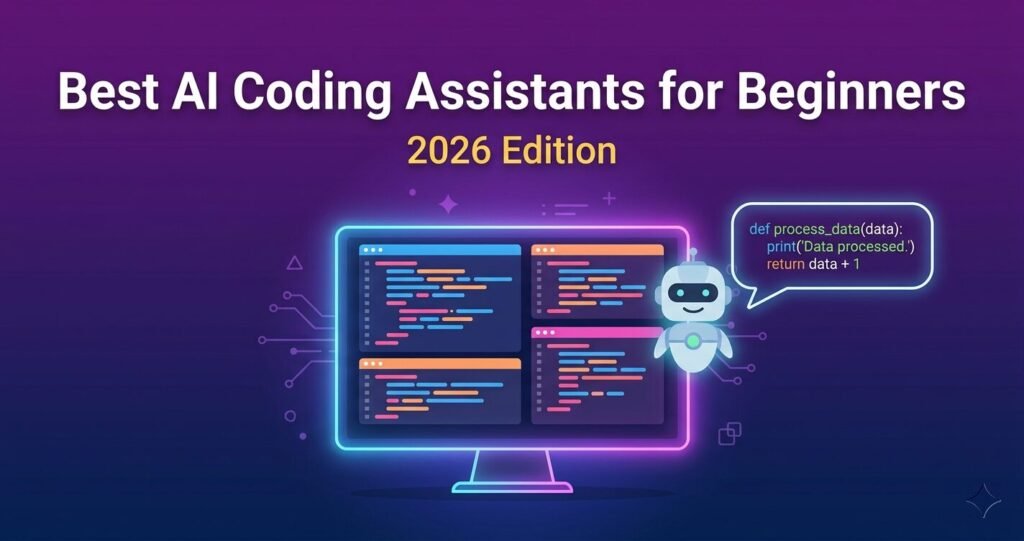
Learning to code is one of the most rewarding things you can do — but let’s be honest, it can also feel incredibly overwhelming. Error messages that make no sense. Code that breaks for no obvious reason. Hours spent stuck on a single problem.
What if you had a smart assistant sitting right next to you, helping you write better code, explaining your mistakes, and answering your questions in plain English?
That’s exactly what AI coding assistants do. And in 2026, they’ve become so good that even complete beginners can use them without any prior experience.
In this post, we’ve rounded up the best AI coding assistants for beginners in 2026 — tools that are easy to set up, beginner-friendly, and most importantly, either free or very affordable.
What Is an AI Coding Assistant?
An AI coding assistant is a tool that connects to your code editor (or runs in your browser) and helps you write, fix, and understand code using artificial intelligence.
Think of it like autocomplete on your phone — but for programming. You start typing a function, and the AI suggests how to finish it. You paste an error message, and it explains what went wrong and how to fix it. You’re not sure how to write a specific piece of code, and you just ask it in plain English.
You don’t need to be an expert to use these tools. In fact, they’re designed to help people who are just starting out. The AI handles the confusing parts so you can focus on learning and building.
How We Picked These Tools
Not every AI coding tool is built with beginners in mind. We evaluated each tool based on five key criteria:
- Beginner-friendliness — Is it easy to understand and use without prior experience?
- Free plan availability — Can you get started without spending money?
- Ease of setup — Does it work in a browser, or does it require a complex installation?
- Language support — Does it support popular beginner languages like Python, JavaScript, and HTML?
- Quality of suggestions — Are the code suggestions actually helpful and accurate?
Only tools that scored well across all five made it onto this list.
The 5 Best AI Coding Assistants for Beginners in 2026
1. GitHub Copilot — Best for Beginners Using VS Code

GitHub Copilot is one of the most popular AI coding tools in the world, and for good reason. It plugs directly into Visual Studio Code (VS Code) — the most widely used free code editor — and starts suggesting code as you type.
What makes it great for beginners is how natural it feels. You write a comment like # function to calculate the average of a list, and Copilot writes the entire function for you. You can accept the suggestion, modify it, or ask it to try again.
It also has a chat mode where you can ask questions like “What does this line of code do?” or “Why is my loop not working?” — and it explains things in plain, simple language.
Free plan? Yes — GitHub Copilot offers a free tier with generous monthly usage for individual developers.
Best for: Beginners who are learning Python, JavaScript, or web development and want a powerful tool inside VS Code.
2. Workik AI — Best All-Round AI Assistant for Beginner Developers
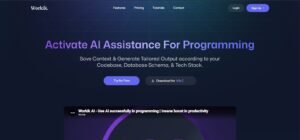
Workik AI is an AI assistant built specifically for developers that writes, refactors, tests, and even helps deploy code. What sets it apart is how well it handles the full development workflow — not just writing code, but understanding it.
For beginners, Workik is especially valuable because it doesn’t just give you the answer. It walks you through what the code does and why it’s written that way, which means you’re actually learning while using it.
It supports all major programming languages including Python, JavaScript, TypeScript, Java, and more. You can also connect it to your existing project files, which is something more advanced tools charge a premium for.
Free plan? Yes — Workik AI has a free plan that’s more than enough for beginners.
Best for: Beginners who want to learn properly while getting AI help — not just copy-paste answers.
3. Qodo — Best for Learning How to Write Better Code

Qodo takes a slightly different approach. Instead of just writing code for you, it focuses on helping you write better code — by reviewing it, catching mistakes, and suggesting improvements.
This is actually incredibly valuable for beginners. When you’re learning, you don’t just want working code — you want to understand why it works and how to make it cleaner. Qodo acts like a mentor that reviews your code and tells you what you could do better.
It also generates tests automatically, which helps you understand how professional developers check their code works correctly. This is a skill many beginners skip, but it’s one of the most important habits to build early.
Free plan? Yes — Qodo has a free plan suitable for individual learners.
Best for: Beginners who want to develop good coding habits and write cleaner, more professional code from day one.
4. BlinkAI — Best for Beginners Who Want to Build Full Projects
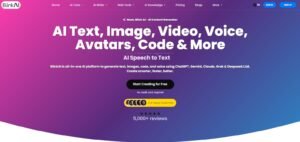
BlinkAI is an all-in-one AI platform that handles code, content, and even visual generation in one place. For beginners who want to build real projects — not just learn isolated concepts — this is a great option.
Imagine you want to build a simple personal website. BlinkAI can help you write the HTML and CSS, generate placeholder images, and even draft the text for your pages. It removes the “I don’t know where to start” feeling that trips up so many beginners.
The interface is clean and straightforward, with no complex setup required. You describe what you want to build, and BlinkAI helps you build it step by step.
Free plan? Yes — BlinkAI offers free access to get started.
Best for: Beginners who want to build complete projects quickly and need help with more than just writing code.
5. Replit AI — Best for Absolute Beginners (Zero Setup Required)
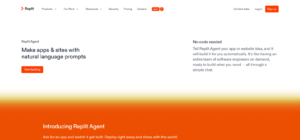
Replit AI — If you’re a complete beginner and the idea of installing a code editor feels like too much, Replit is made for you. It’s a browser-based coding platform with a built-in AI assistant — meaning you open a website, start typing code, and the AI helps you right there. No downloads, no configuration, nothing to install
Replit AI can generate code from plain English descriptions, explain what existing code does, fix errors automatically, and even help you deploy your project so others can see it online. The whole experience is designed to be as beginner-friendly as possible.
Free plan? Yes — Replit has a free plan that covers everything a beginner needs.
Best for: Absolute beginners who want zero friction and want to start coding immediately without any setup.
Quick Comparison Table
| Tool | Free Plan | Best For | Works in Browser | Languages Supported |
|---|---|---|---|---|
| GitHub Copilot | Yes | VS Code users, Python/JS learners | No (needs VS Code) | 20+ |
| Workik AI | Yes | Learning while building | Yes | 15+ |
| Qodo | Yes | Writing cleaner, professional code | Yes | 10+ |
| BlinkAI | Yes | Building full projects fast | Yes | 10+ |
| Replit AI | Yes | Absolute beginners, zero setup | Yes | 50+ |
5 Tips for Beginners Using AI Coding Assistants
Getting the most out of these tools isn’t just about picking the right one — it’s also about using them the right way. Here are five tips to help you learn faster and build better habits:
- Don’t copy code without understanding it. When the AI generates code for you, read through it. Ask the tool to explain each line if you need to. The goal is to learn, not just get a working answer.
- Use AI to understand error messages, not just fix them. Instead of just asking “fix this error,” ask “explain why this error happened and how I can avoid it in the future.” You’ll learn far more.
- Start with one tool and get comfortable with it. It’s tempting to try five tools at once. Don’t. Pick one, use it for a few weeks, and really understand how it works before switching.
- Use free plans first. All the tools on this list have free plans that are completely sufficient for beginners. You don’t need to pay for anything to get started.
- Ask it like you’d ask a person. You don’t need to use technical language. Type “how do I make a button change colour when I click it?” and the AI will understand you perfectly.
Conclusion
AI coding assistants have completely changed what it means to be a beginner in 2026. Instead of spending hours stuck on a single error, you have a patient, knowledgeable assistant available any time you need help.
If we had to pick one tool to start with, it would be Replit AI for absolute beginners (zero setup, works in your browser) or Workik AI if you want to build real projects while actually learning how code works.
Want to explore more AI tools like these? Check out the full AI Tools section on Appketra — we’ve reviewed dozens of tools across coding, writing, image generation, and more.
Which AI coding assistant are you going to try first? Drop a comment below and let us know!
Explore more on Appketra: